How to enlarge a small photo for a funeral easel
Last updated: Nov 1, 2026
A phone photo or a picture saved from social media often looks fine on screen and soft at 16×20 or 24×36. What each print file needs, and how to get one.
A phone photo or a picture saved from social media often looks fine on screen but blurry at 16×20 or 24×36. Here's why, how large a photo needs to be for each size, and how to get a print-ready file in minutes.
Why the screen is kinder than the easel
A phone screen is only a few inches across. An easel portrait is 16×20 inches, and the largest file here is 24×36. The same pixels are stretched over a much larger surface, so softness that was invisible on the phone becomes obvious a few feet away.
A screenshot is smaller still than the photo that was posted. Use the largest file you have: the picture from the phone, not a photo of a screen. JPG, PNG, and WEBP all work. If the face is one person in a group, crop to that person before you upload. The restoration keeps the photograph you give it.
What 300 and 150 pixels per inch mean
Print files are built at 300 pixels per inch, with 0.125 inch of bleed on every side and crop marks. That 300 number is the shop’s file. A photograph often has less real detail than that. About 150 pixels per inch of the finished print is a calmer measure of what can look clear from a few feet, which is how an easel is seen. Up close, a smaller print looks sharper.
The numbers below are the finished print at 300 pixels per inch, the downloaded file at 300 (trim plus bleed), and the same print at about 150 pixels per inch. They are the sizes a portrait includes. They are not a claim that every small photo becomes a sharp 300 ppi poster.
Program covers
A program cover is often a letter sheet folded in half.
- 5.5×8.5: the print is 1,650 × 2,550 pixels. The file with bleed is 1,726 × 2,626. At about 150 pixels per inch, 825 × 1,275.
- 7×8.5: the print is 2,100 × 2,550. The file is 2,176 × 2,626. At about 150, 1,050 × 1,275.
- 8.5×11: the print is 2,550 × 3,300. The file is 2,626 × 3,376. At about 150, 1,275 × 1,650.
Prayer card and bookmark
- 2.5×4.25 prayer card: the print is 750 × 1,275. The file is 826 × 1,351. At about 150, 375 × 638.
- 2×6 bookmark: the print is 600 × 1,800. The file is 676 × 1,876. At about 150, 300 × 900.
Easel portraits
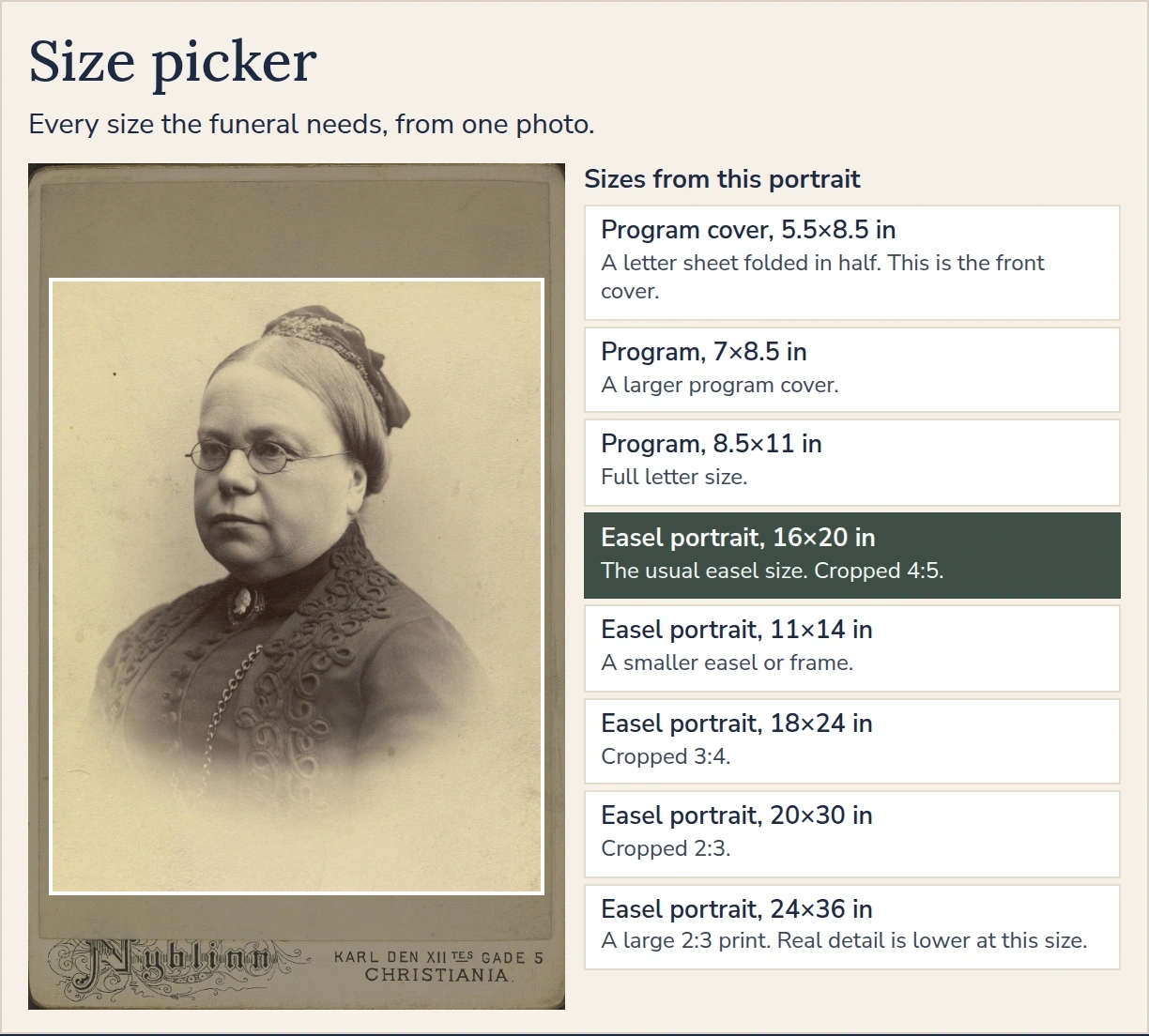
16×20 is the usual easel. The larger frames are there when someone asks for them.
- 11×14: the print is 3,300 × 4,200. The file is 3,376 × 4,276. At about 150, 1,650 × 2,100.
- 16×20: the print is 4,800 × 6,000. The file is 4,876 × 6,076. At about 150, 2,400 × 3,000.
- 18×24: the print is 5,400 × 7,200. The file is 5,476 × 7,276. At about 150, 2,700 × 3,600.
- 20×30: the print is 6,000 × 9,000. The file is 6,076 × 9,076. At about 150, 3,000 × 4,500.
- 24×36: the print is 7,200 × 10,800. The file with bleed is 7,276 × 10,876. At about 150, 3,600 × 5,400.
The download page states the real detail in the photograph you started with, next to each size. A very small face can stay soft. The file is still built at the shop’s size.
A file you can take to the shop
Upload one photograph. The preview is the restored portrait beside the original, and you pay only if the face looks right. The print sizes, from the program cover up to 24×36, are prepared from that portrait. Order the PDF when the shop trims to crop marks, or the JPG when they asked for an image.
Start with the photograph. Easel sizes are also described in Funeral easel photo sizes. The print-ready files are on the funeral poster page.
The print-ready easel files are on the funeral poster page.
Preview first, pay only if you like it