For the service
A restored memorial portrait, print-ready in minutes.
Upload one photograph and get a restored portrait, sized for the program, the easel, and the obituary, plus short clips for the memorial slideshow. Ready in minutes. No signup.
See a preview before you pay.
Every size you need.
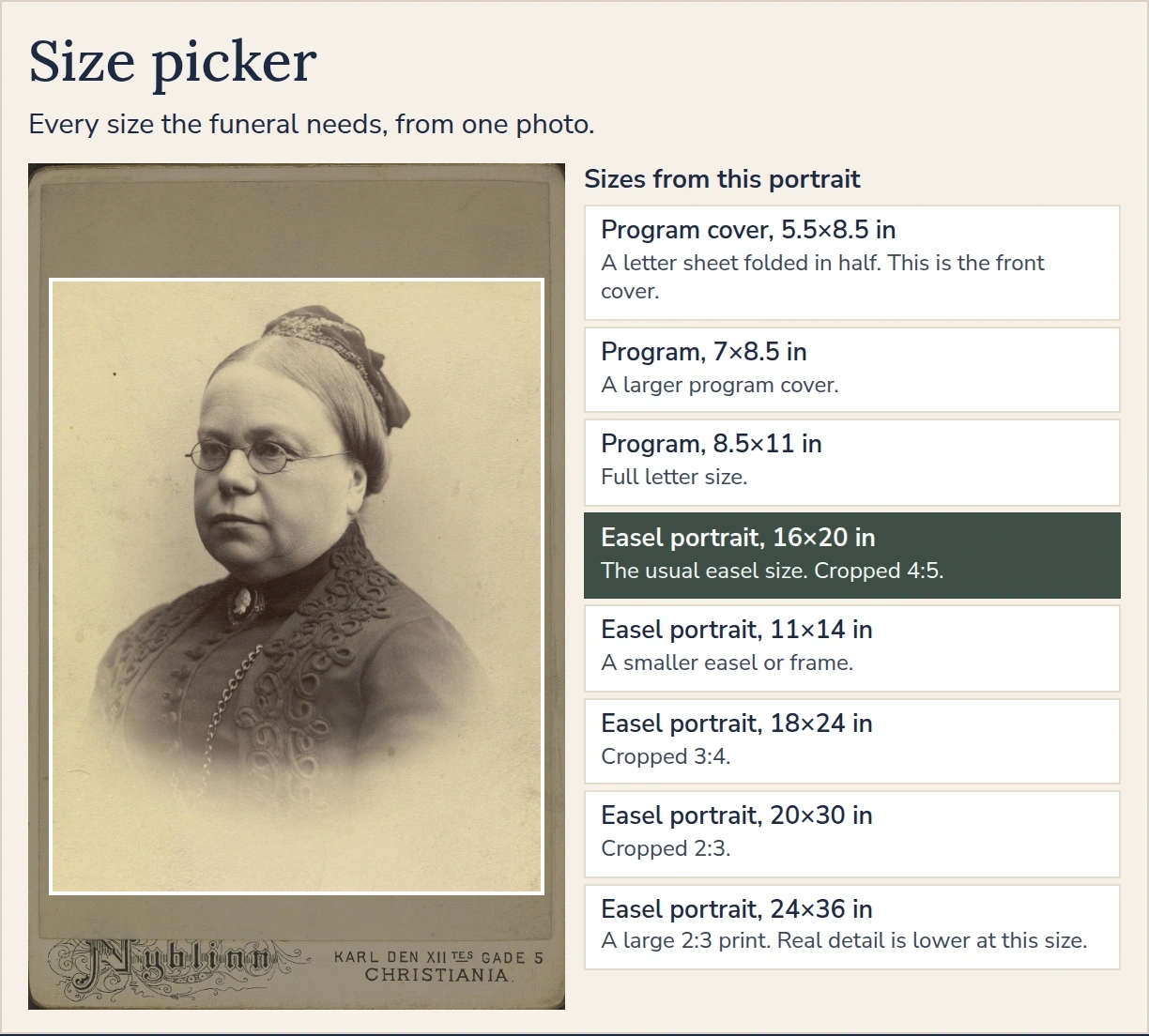


Example photos from public archives.
A plain studio background is the usual choice. Keep the original when the place or objects in the photo matter.
Three of the ways a portrait can move.
A video purchase includes all three styles.


Example photos from public archives.
Ready to use, without an account.
One photograph in. Print-ready files out, sized for the program, the easel, and the obituary. Ready in minutes.
1. Upload
Any photo you’d like to use: a print, a snapshot, or a picture on your phone.
2. Preview
Preview the restored portrait beside the original. Try up to three times for free, and pay only when it looks right.
3. Download
Files for the program, easel, prayer card, bookmark, and obituary, plus the video clips if you chose them.
The portrait, for each part of the service
One restoration. These pages describe the program, the easel, a celebration of life, and the short clips.
Restore a funeral photo
An old, faded, or blurry photograph, repaired for the program and the easel.
Memorial portrait
The restored photograph in every print size, from the program to the easel.
Easel and poster
Print-ready files from 11×14 through 24×36, with bleed and crop marks.
Celebration of life
The same portrait for a program, a display, and a slideshow still.
Memorial video
Four short clips of the restored portrait. No music, and the person does not speak.
Guides
Sizes, obituaries, and where a shop can print.
- What restoration can and can’t fix
- Funeral program photo size and resolution
- Funeral easel photo sizes
- Prayer card and bookmark photo sizes
- Obituary photo size and requirements
- Where to print a funeral photo today
- Enlarge a photo for a 16×20 easel
- A funeral photo needed tomorrow
- Memorial slideshow photos
- Colorize a black-and-white funeral photo
Questions
What do I receive?
Portrait is the restored photograph in every print size: program, easel, prayer card, bookmark, obituary, and a 16:9 still, as JPG and PDF. Video is four short clips, each in a different style, for slideshows and sharing. Portrait + video is the portrait and all four clips.
Why choose Tribute Portrait?
Sharper prints and a truer likeness. Your portrait comes as print files up to 7,276 × 10,876 pixels, files several times larger than most AI photo tools give you, made for easel prints. The face stays theirs: we restore and refine the photograph, and leave the face as it was. There’s no subscription or account.
How good are the results?
See for yourself: you get a free preview before you pay, and only pay if you love it. Each photo gets up to 3 free tries. We automatically re-run a result that fails our quality check up to 2 more times at no extra cost. If it still fails, that attempt counts as one try, and that result can’t be purchased. After 3 tries, you can buy any one that came out right. If none did, upload a different, clearer photo. Once free previews are used up, you can still buy, and we’ll restore the photograph for you. If we can’t restore it, we’ll handle it personally by email at support@tributeportrait.com.
How long does it take?
Minutes. The preview takes a few minutes; after payment, print files take about 2 minutes and the clips a few minutes more.
Notes on print sizes, obituaries, and where a shop can print the file. Funeral photo guides