Obituary photo size and requirements
Obituary photo size and requirements for a newspaper or Legacy.com: JPG, resolution, file size, black and white, and who belongs in the frame.
An obituary photograph is usually a head-and-shoulders picture. Newspapers, funeral-home sites, and Legacy.com each publish their own rules, and those rules are the ones to follow. The notes below are the requirements families run into most often. Check the paper or the site that will run the notice before you send a file.
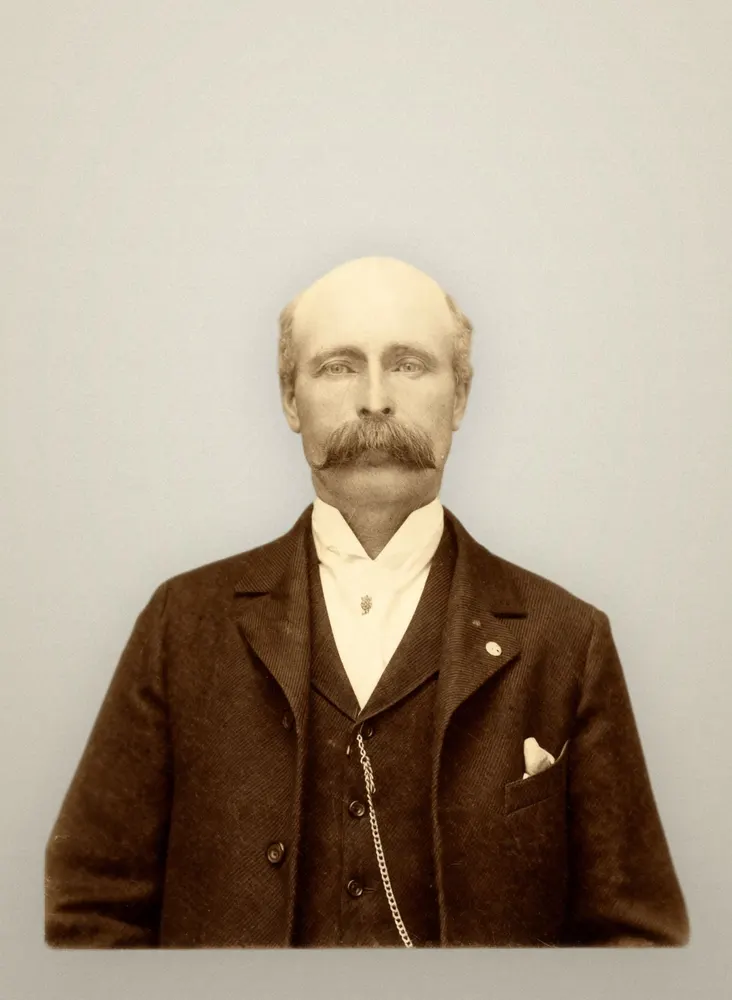
What papers often ask for
A typical newspaper or Legacy.com upload wants a JPG. Many ask for about 150–200 dots per inch, a file under about 2 MB, and a frame that shows the person the notice is about. Newsprint is often black and white even when the photograph you have is in color. Some sites accept a color file and print it in black and white. A few want the file already converted.
Those numbers are typical, not a promise that every paper uses them. A daily, a weekly, and an online guest book can disagree. Open the paper’s own photo instructions, or ask the funeral home which file that paper accepted last week.
What you download here
Tribute Portrait makes two JPGs from the same restored master, each with a margin around the head and shoulders, and keeps each one under 2 MB. One keeps the photograph’s own tones. The other is black and white, which is the file to send when the notice will be printed that way. The pixels are 1,200 × 1,500. At 150 dots per inch that is an 8×10 inch picture, which covers a news column with room to spare. At 200 dots per inch it is still larger than a small headshot.
The crop starts at the head and shoulders. You can drag it if the first framing is off. The same master also makes the program and the easel, so you do not restore the photograph three times. The obituary file is for a screen or a newsprint column. It is not the file to send to a large-format printer. That one is on the funeral poster page.
Who should be in the frame
The notice is about one person. Papers often reject a group, a snapshot with several faces, or a crop that cuts through someone standing beside them. Put the person the notice is about in the frame before you upload. If the clearest face is in a group photograph, crop to that person yourself first. The restoration keeps the photograph you give it.
Scan a print if you can, rather than photographing it at an angle. Include the whole head and the shoulders. A tight crop of only the eyes leaves the newspaper nothing to frame.
Black and white originals stay black and white unless the family specifically wants color. Color already painted on the photograph is kept. Automatic color can change skin tone and slightly alter facial features, which is a poor trade when people are looking for the person they knew. That choice is explained in Colorize a black-and-white funeral photo. The portrait these files come from is the memorial portrait.
The obituary photograph is one of the sizes in the memorial portrait.
Preview first, pay only if you like it